

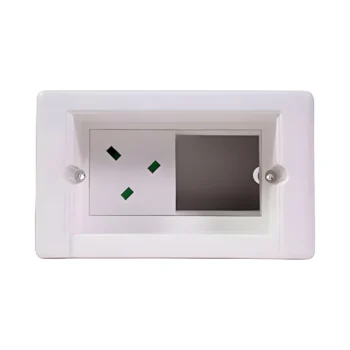
Syncbox Socket SB-Media – Custom Recessed Media Box for Up to 8 Keystone Modules
IMPORTANT – Syncbox Socket SB-Media includes the recessed installation box and cover but is supplied WITHOUT media modules, which must be purchased separately. It is NOT a direct replacement for a standard socket or media plate. The 78mm-deep installation box must be recessed into the wall, requiring additional wall preparation. Please check suitability before ordering.
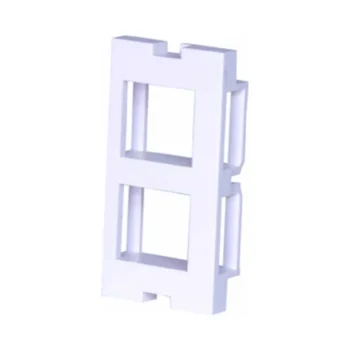
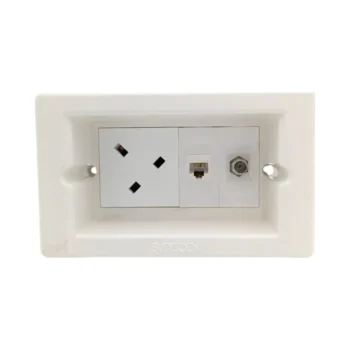
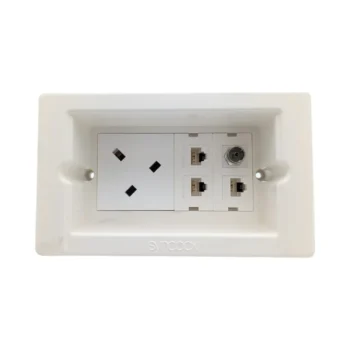
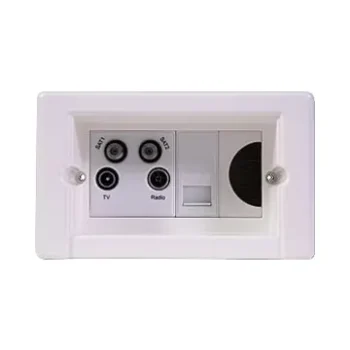
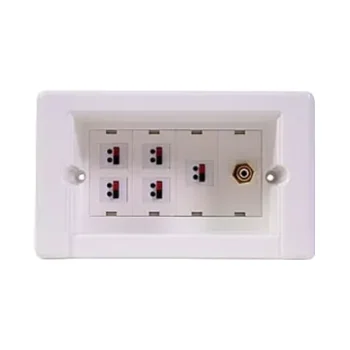
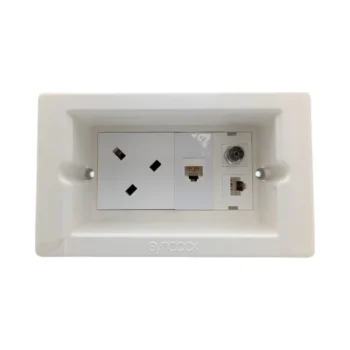
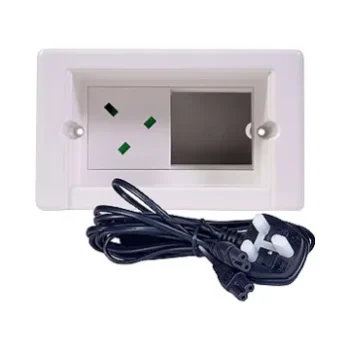
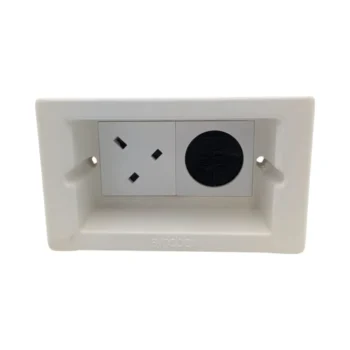
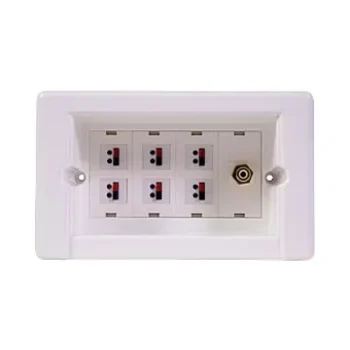
Syncbox Socket SB-Media is a configurable recessed media connection box designed for installations where the required combination of connections varies between projects. Accommodating up to eight compatible keystone modules, it allows installers to create a customised connection point for television, networking, telephone, audio and other supported media services.
Unlike pre-configured Syncbox products, the SB-Media is supplied without pre-installed connection modules. This gives electricians and AV installers the flexibility to select compatible modules and configure the recessed media point around the intended equipment and cabling requirements.
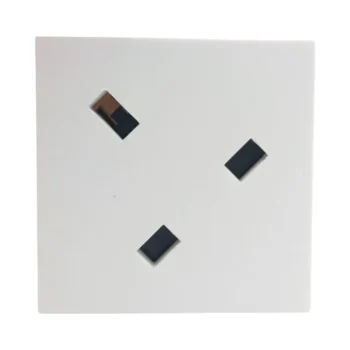
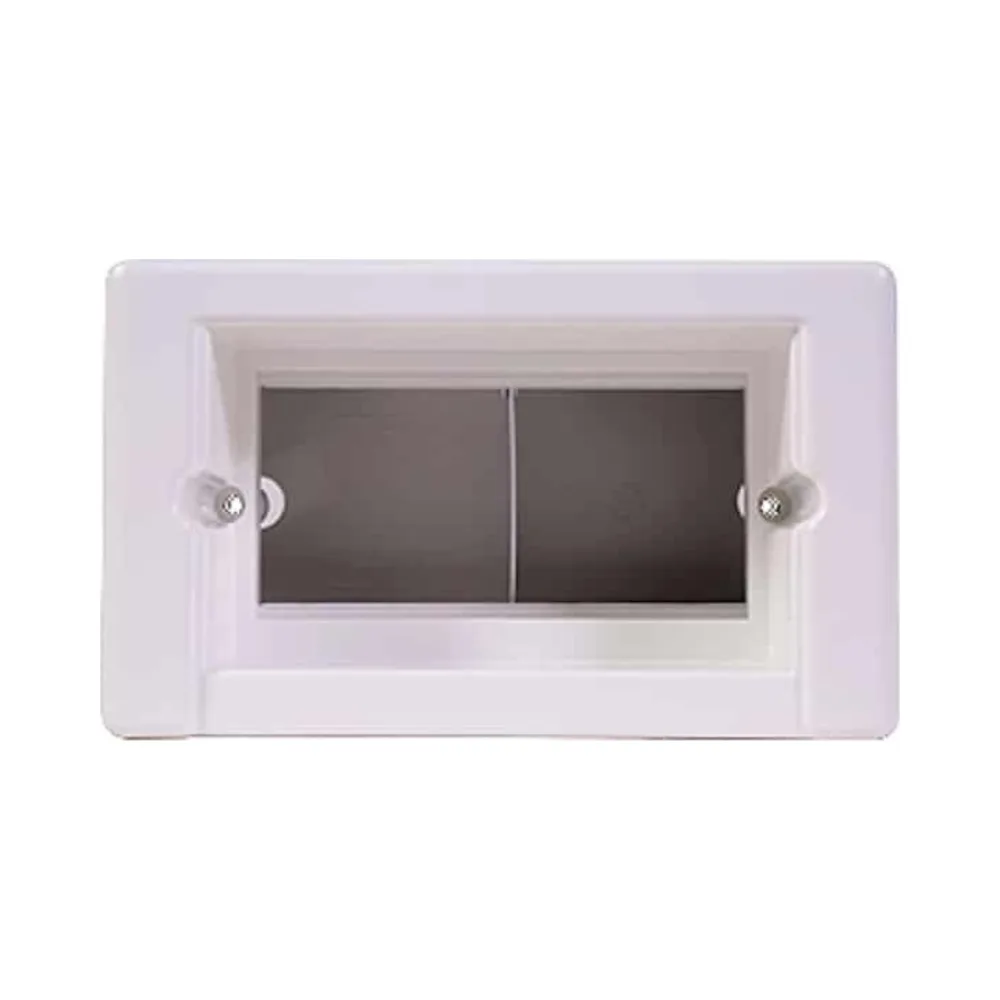
The kit includes the purpose-designed Syncbox hybrid installation box, white cover plate, fixing pack and instruction manual. Its recessed construction helps keep suitable connectors and cables organised within the wall, reducing the need for multiple conventional media faceplates.
Syncbox Socket SB-Media – Key Features
- Customisable recessed media connection system
- Accommodates up to 8 compatible keystone modules
- Supplied without pre-installed media modules
- Allows installers to select the required connection types
- Suitable for compatible TV, data, telephone and audio modules
- Hybrid recessed installation box included
- White cover plate, fixing pack and instruction manual included
- 78mm-deep installation enclosure
- Helps organise multiple media connections within one wall position
- Ideal for wall-mounted TVs, media rooms, offices and workstations
- Designed for suitable solid-wall and plasterboard installations
- Suitable for new installations and planned refurbishments
What’s Included in the Syncbox SB-Media Kit?
Syncbox SB-Media is supplied as a complete recessed enclosure kit ready to be configured with separately selected compatible media modules.
- 1 × Syncbox hybrid installation box
- 1 × white cover plate
- 1 × fixing pack
- 1 × instruction manual
IMPORTANT – Keystone modules are NOT included. This product is supplied without pre-installed media connections. Compatible modules and any required mounting accessories must be selected and purchased separately.
Please refer to the Related Products section below for suitable media modules and accessories.
Customise Your Media Connections with Up to 8 Keystone Modules
The main advantage of Syncbox SB-Media is its flexible configuration. Instead of purchasing a fixed combination of connections, installers can select the keystone modules required for the individual project.
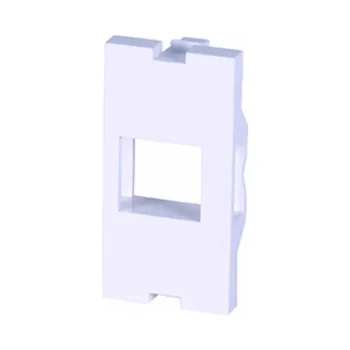
The Syncbox system supports up to eight compatible keystone modules, subject to the selected mounting frames, module dimensions and supported configuration.
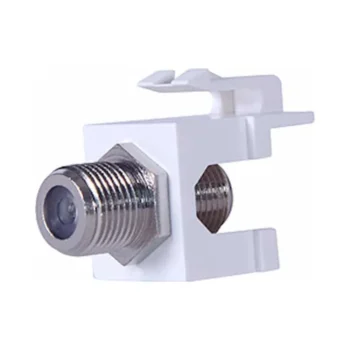
Depending on the installation and compatible accessories, possible connection types include:
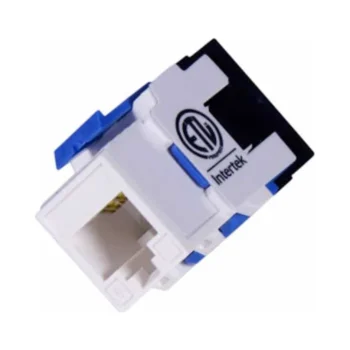
- Cat5e and Cat6 Ethernet data connections
- Compatible HDMI connection modules
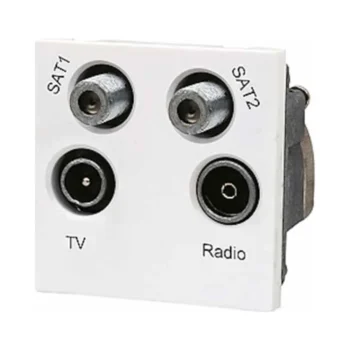
- TV aerial and satellite coaxial connections
- Telephone connection modules
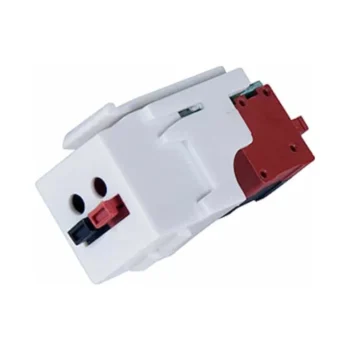
- Speaker terminal connections
- Audio and phono connection modules
- Other supported Syncbox keystone media modules
Please note: These are examples of possible compatible module types, not connections included with the SB-Media kit. The final arrangement depends on the selected modules and their mounting requirements.
Browse the Related Products section below to select the appropriate modules before installation.
Designed for TV, Data and Home Entertainment Installations
Modern home entertainment systems often require several different types of media connections behind wall-mounted televisions and associated equipment.
Rather than fitting multiple conventional wall plates, Syncbox SB-Media allows suitable connections to be grouped within one recessed enclosure.
This can be particularly useful for:
- Wall-mounted televisions and media walls
- Home cinema and entertainment rooms
- Structured home network installations
- Office data and media connection points
- Workstations requiring multiple connection types
- Custom AV installations with project-specific requirements
The configuration can be planned around the intended equipment, providing flexibility where standard pre-loaded media plates do not offer the required combination of connections.
Why Choose an Empty Configurable Media Box?
Pre-configured media connection plates are convenient where the supplied connections match the installation requirements. However, projects involving specialist AV equipment, different data outlets or multiple signal types may require a more flexible solution.
Syncbox SB-Media provides a configurable starting point, allowing installers to choose the connections needed without being restricted to a predetermined module arrangement.
Its recessed design helps conceal suitable connectors and cables behind the cover plate, creating a discreet finished appearance.
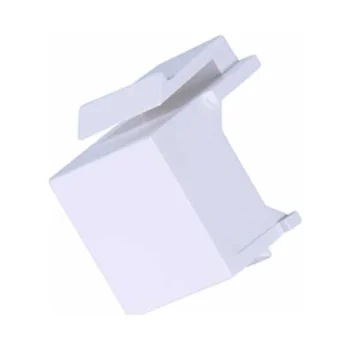
Remember: The SB-Media does not include the individual media connection modules. They must be ordered separately.
Why Syncbox Is Not a Direct Replacement for a Standard Media Plate
Conventional media plates, data sockets and telephone outlets are generally mounted onto relatively shallow back boxes, with the faceplate positioned on the finished wall surface.
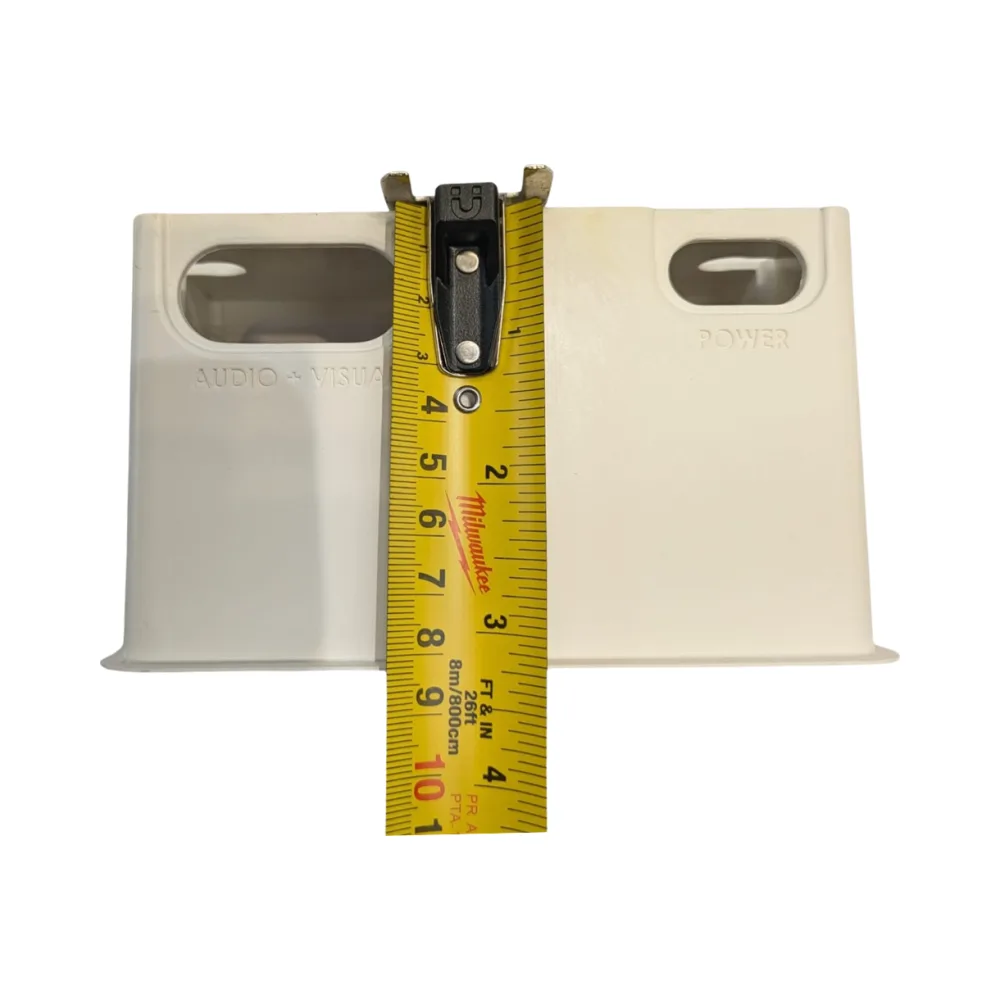
Syncbox SB-Media uses a different installation arrangement. The supplied hybrid installation box measures 137mm wide × 77mm high × 78mm deep, providing space for compatible connections and cables within a recessed wall enclosure.
Replacing an existing media plate will normally require modifications to the wall opening and mounting arrangement. Depending on the construction, installation may involve additional cutting, chasing, preparing a deeper recess or adjusting cable routes.
Simply removing an existing media plate and fitting Syncbox in the same mounting position will NOT achieve the intended recessed finish.
BEFORE YOU ORDER – REPLACING AN EXISTING MEDIA PLATE? Syncbox Socket SB-Media includes its own 78mm-deep installation box, but NO media modules. Your existing standard back box cannot simply be reused to achieve a recessed finish. Additional wall preparation is required, and compatible keystone modules must be purchased separately. Please check with your installer and review the technical drawings in the Downloads section.
Installing Syncbox in Solid Walls and Plasterboard
The Syncbox hybrid installation box is designed for suitable solid-wall and plasterboard applications. The fixing method depends on the wall construction and available installation space.
- Solid walls: The installation box is secured within a suitably prepared wall recess using side fixings. The mounting flange may be removed where required.
- Plasterboard walls: The mounting flange must remain in place. Ratchet-style fixing straps are used to secure the enclosure to suitable plasterboard.
- Existing media outlets: The original mounting arrangement and wall opening will normally require modification.
- Available depth: Wall thickness, cavity space, cable routes and nearby services must be assessed before preparing the opening.
- Module configuration: The required keystone modules and mounting accessories should be selected before installation.
- Cable routing: Suitable cable protection, separation and bending space must be provided according to the selected connection types.
Detailed fitting instructions are available in the manufacturer’s Solid Wall Installation Guide and Drywall Installation Guide in the Downloads section of this product page.
White Cover Plate for Concealed Media Connections
Syncbox SB-Media includes a white cover plate designed to conceal compatible media connectors and associated cables within the recessed enclosure.
The cover helps provide a discreet appearance, particularly behind televisions, within media furniture installations and in areas where multiple exposed connection plates would be undesirable.
When selecting modules, installers should consider connector dimensions, available internal space, cable bending requirements and future access.
Syncbox SB-Media Technical Specifications
- Brand: Syncbox
- Model: SB-Media
- Product type: Customisable recessed media connection box
- Maximum keystone capacity: Up to 8 compatible modules
- Pre-installed media modules: None
- Keystone modules: Sold separately
- Configuration: Customisable using compatible Syncbox modules and mounting accessories
- Installation box dimensions: 137mm (W) × 77mm (H) × 78mm (D)
- Internal recess depth: 45mm
- Standard cover dimensions: 155mm (W) × 95mm (H) × 10mm (D)
- Cover colour: White
- Installation box material: Flame-retardant ABS
- Media cable entries: 41 × 18mm oval
- Additional cable entries: 20mm
- Installation type: Recessed wall installation requiring wall preparation
- Wall compatibility: Suitable solid walls and plasterboard
- Typical applications: TV, data, telephone, audio and customised media installations
Manufacturer Installation Guides and Technical Downloads
Before purchasing or installing Syncbox Socket SB-Media, please review the manufacturer’s documentation available in the Downloads section of this product page.
The following five documents provide technical information and fitting guidance:
- Brochure: Syncbox system overview, available configurations, technical dimensions and compatible modular connection arrangements.
- Tips Essentials Guide: Important installation recommendations, module orientation, cable management and preparation.
- Drywall Installation Guide: Illustrated instructions for installing the hybrid box in suitable plasterboard walls using the fixing straps.
- Solid Wall Installation Guide: Step-by-step instructions for preparing and securing the enclosure within solid walls.
- Installation Drawing: Detailed technical dimensions and assembly information for checking installation suitability.
Please note: The 78mm measurement refers to the manufacturer’s hybrid installation box depth. Actual wall preparation depends on construction, available space and installation method. It should not be treated as a universal wall-cutting measurement.
We recommend reviewing the relevant installation guide and technical drawing with your electrician or AV installer before ordering. The required media modules should also be selected in advance.
Syncbox Socket SB-Media – Frequently Asked Questions
Can I replace my existing media plate with Syncbox SB-Media and achieve a recessed finish?
NO – Syncbox SB-Media is NOT a direct replacement for a conventional media wall plate. The included 78mm-deep installation box must be recessed into the wall. Simply replacing an existing faceplate will not achieve the intended finish. Additional wall preparation and modifications to the mounting arrangement are normally required.
Does Syncbox SB-Media include the installation box and cover?
Yes. Syncbox SB-Media includes the hybrid recessed installation box, white cover plate, fixing pack and instruction manual. It is supplied as a configurable media enclosure kit.
Are Cat6, HDMI or other keystone media modules included?
NO – Syncbox SB-Media is supplied WITHOUT media modules. Cat6, HDMI, telephone, TV, satellite, audio and other compatible connection modules must be selected and purchased separately. Please check the Related Products section below.
How many keystone modules can Syncbox SB-Media accommodate?
The SB-Media supports up to eight compatible keystone modules, depending on the selected mounting frames and module configuration. Check the manufacturer’s system requirements before ordering.
Can I choose my own combination of media connections?
Yes. SB-Media is designed to allow compatible keystone modules to be selected according to the installation requirements. Possible connection types include Ethernet data, television, satellite, telephone and audio modules, subject to compatibility.
Does Syncbox SB-Media include a 13A power socket?
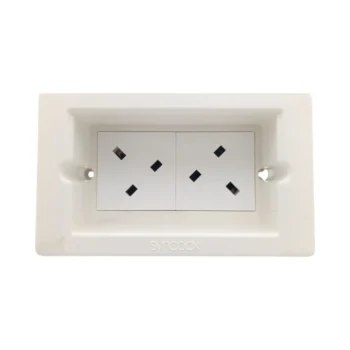
No. SB-Media is supplied as an empty configurable media enclosure without pre-installed power or media modules. If mains power is required, a suitable Syncbox power configuration should be selected according to the installation requirements.
Where can I buy compatible keystone modules?
Compatible modules and accessories can be found in the Related Products section below. Please check compatibility with the Syncbox mounting system before purchasing.
Can I use my existing socket or media back box?
Generally, no. Syncbox uses its own purpose-designed 78mm-deep hybrid installation box. A conventional back box cannot simply be reused in its original mounting position to achieve the recessed finish.
How deep does the wall need to be for Syncbox SB-Media?
The included hybrid installation box measures 78mm deep. Actual wall preparation depends on the construction, available space and cable routing. Please review the manufacturer’s Installation Drawing and relevant installation guide in the Downloads section before ordering.
Can Syncbox SB-Media be installed in solid brick or block walls?
Yes, provided the wall can safely accommodate the required recess and fixing arrangement. The manufacturer provides a dedicated Solid Wall Installation Guide in the Downloads section.
Can Syncbox SB-Media be installed in plasterboard?
Yes. The hybrid installation box is designed for suitable plasterboard installations using ratchet-style fixing straps. The mounting flange must remain in place. Refer to the Drywall Installation Guide in the Downloads section.
Is Syncbox SB-Media suitable for office and workstation installations?
Yes. SB-Media can be configured with compatible data, telephone and other supported media modules, making it suitable for planned office, workstation and structured cabling installations. The final arrangement depends on the selected modules and cabling requirements.
Where can I find the Syncbox installation instructions?
The manufacturer’s Brochure, Tips Essentials Guide, Drywall Installation Guide, Solid Wall Installation Guide and Installation Drawing are available in the Downloads section of this product page. Please review the relevant documents before purchasing or installing the kit.